
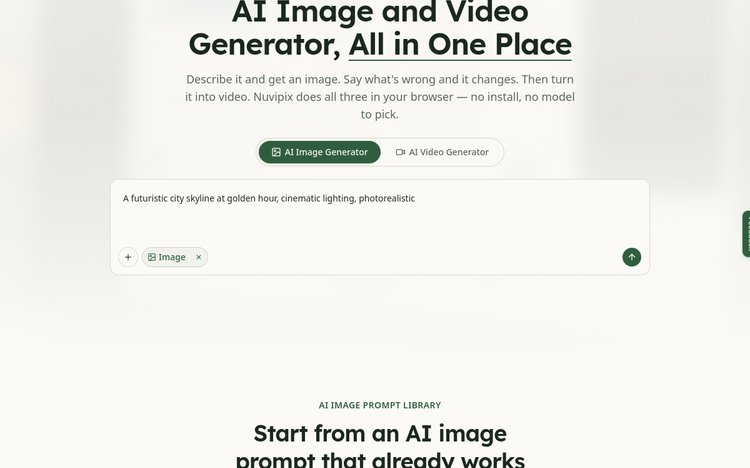
Nuvipix is an all-in-one AI image and video generator. Create from text, edit in plain English, and turn still images into dynamic videos — all inside your browser with no installation required.
Text Match Cut Generator is a free browser-based tool that keeps one word or phrase visually fixed while paper, book, or typewriter scenes change around it.
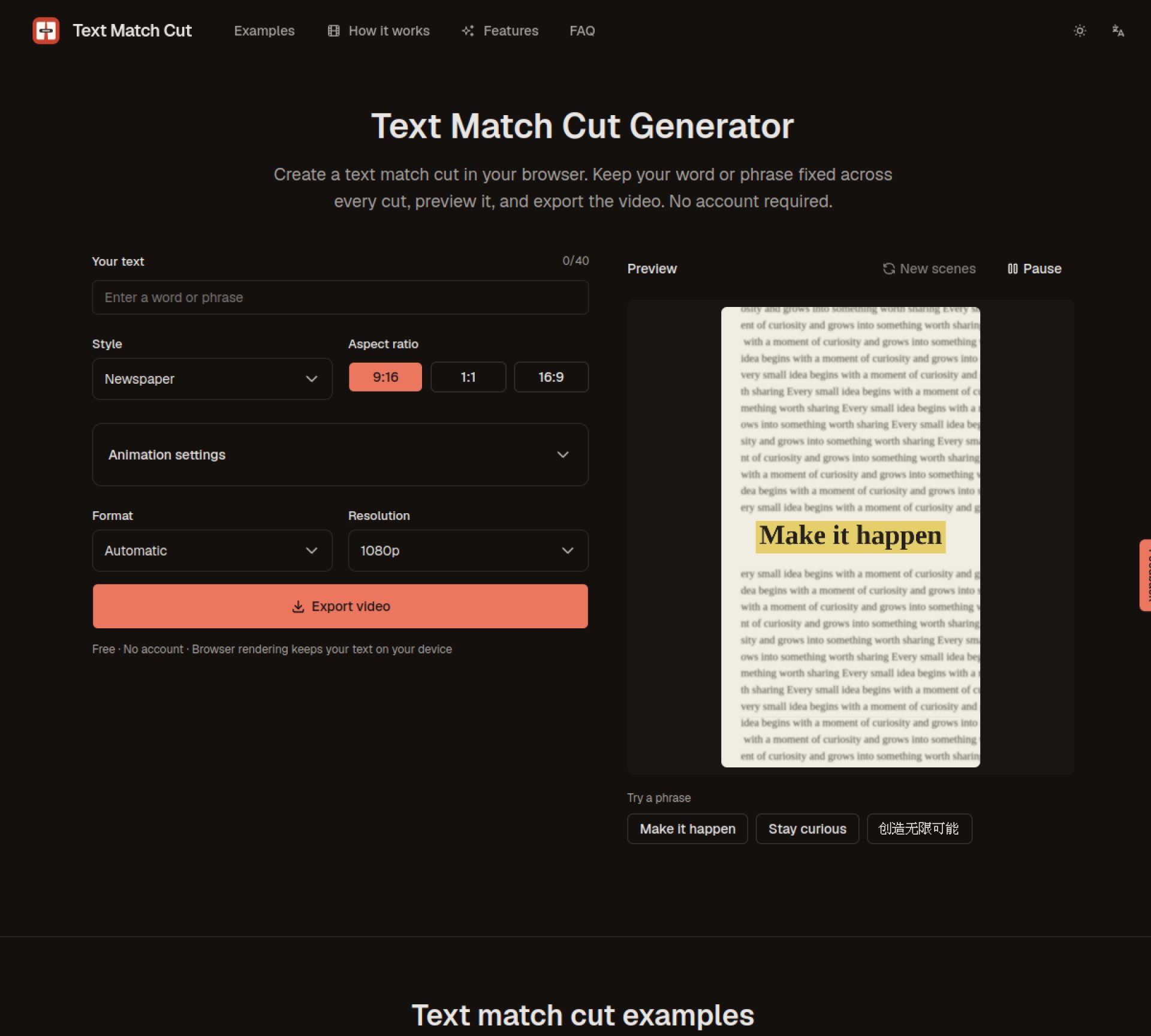
Text Match Cut Generator is a focused browser tool for creating text match cut videos. One word or short phrase stays visually anchored while newspaper, book, or typewriter-style layouts change around it, creating a fast match-cut effect without a full video editor.
Enter the word or short phrase you want viewers to follow. Choose a style, aspect ratio, duration, cut speed, zoom, and blur, then check the live preview. Select 720p or 1080p and export the finished clip as MP4, WebM, or the browser-supported automatic format.
Create an opening hook for TikTok, Instagram Reels, or YouTube Shorts.
Emphasize a name, product, place, or key phrase across rapid scene changes.
Build a newspaper-style highlighted text sequence for documentary or editorial edits.
Export a standalone clip and continue editing it in CapCut, Premiere Pro, DaVinci Resolve, Final Cut Pro, or another compatible editor.
Yes. The current version is free to use and does not require an account.
You can choose 9:16, 1:1, or 16:9 and export at 720p or 1080p.
The generator supports MP4, WebM, and an Auto option that selects an appropriate supported format.
No. You can create and export the text match cut in the browser, then import the finished clip into another editor if you want to add footage, captions, music, or other effects.
Nuvipix is an all-in-one AI image and video generator. Create from text, edit in plain English, and turn still images into dynamic videos — all inside your browser with no installation required.
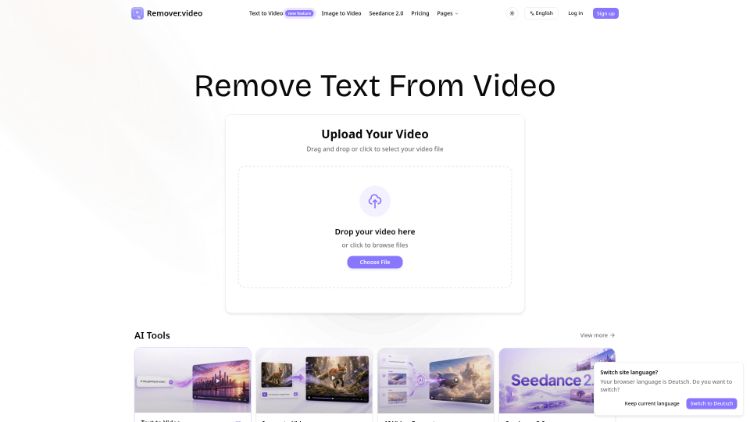
Remove text, watermarks, and logos from videos with an online AI video editor.
Generate viral videos from text
Universal video translation & lip sync tool.